Eaglesoft integration, in the context of dental accounts receivable, means connecting the aging and A/R data your practice already tracks in Patterson Dental’s Eaglesoft system to a dedicated collections process for the patient balances that have stopped responding to statements and reminders. It isn’t a plug-in inside Eaglesoft itself streaming into another app; it’s a workflow, where an aging export feeds placement rules, like balance size, days since last payment, and existing payment plans, that decide which accounts move to a collection agency and which stay in-house. For a user base of nearly 30,000 practices, that handoff is often the missing piece between a well-run front office and a shrinking 90-day column.
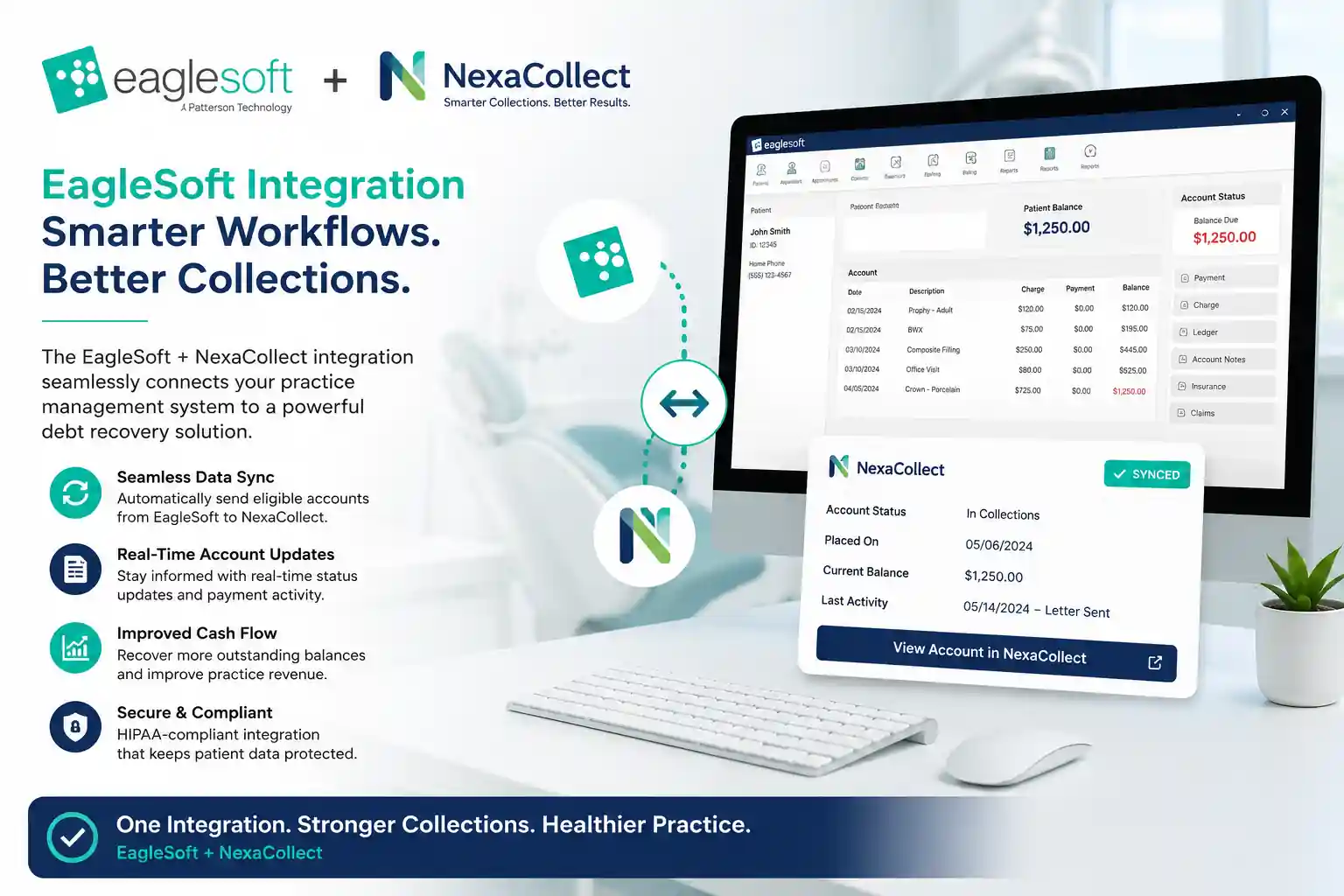
Eaglesoft is popular. Old A/R is, unfortunately, even more popular.
Eaglesoft has been around for 25+ years and serves nearly 30,000 active users across the U.S. and Canada. It’s a serious platform, not a hobby product.
Yet typical dental A/R tells a different story:
-
Benchmarks often show the average dental practice with tens of thousands of dollars sitting in 90+ day A/R, and once balances cross 90 days, practices usually recover only a small fraction of that money.
-
Many offices see A/R days around 45, even though insurers often pay in roughly 30 days.
In other words: Eaglesoft can be rock-solid and you can still be leaking cash.
This page is about that gap — and how to use both Eaglesoft and a collection agency (via a small, free utility) to close it.
What “healthy” A/R actually looks like for a dental office
Before talking integrations, it helps to know what you’re aiming for.
Dental advisors commonly recommend:
-
A/R days: roughly 30–45 days. Anything consistently above that suggests slow collections or broken workflows.
-
A/R over 90 days: under 10% of total A/R (excluding long ortho contracts).
-
Net collections: around 98–100% of adjusted production.
-
A/R ratio (A/R ÷ average monthly production): ideally close to 1.0–1.5 months of production on the books, not 2–3 months.
Reality check for Eaglesoft users:
If your Eaglesoft A/R report shows A/R days >45, more than 10% of A/R in 90+ days, or an A/R ratio well above 1.5, you’re outside the comfort zone. Those aren’t “slow payers” — that’s bad debt in slow motion.
Eaglesoft does the early work. Late A/R is a different game.
Eaglesoft is built to manage your everyday operations:
-
Scheduling, charting, imaging
-
Insurance claims and e-attachments
-
Statements and online payments (via integrated partners like Vyne Trellis, DentalXChange, CarePay+, card-on-file tools, etc.)
-
A/R and production reports by provider, location, and date
That’s a powerful early-stage revenue engine.
But Eaglesoft will never:
-
Chase a non-responsive patient every week for six months
-
Dig up a new address or phone number
-
Negotiate a multi-step payment plan with someone already behind on other bills
-
Decide which accounts are worth escalating and which should be written off
That’s the line where “practice management” ends and “debt collection” begins.
Step one: find your “collection zone” inside Eaglesoft
Instead of going by gut feeling (“she’s nice, give her more time”), let your Eaglesoft reports tell you when an account has crossed the line.
Start with the A/R Aging report:
-
Look at the breakdown: 0–30, 31–60, 61–90, 91–120, 120+ days.
-
Focus on patient balances, not just insurance A/R.
Ask:
-
What percentage of my A/R is in 90+ days?
-
How much of that is patient responsibility?
-
How long has it been since any payment or meaningful contact?
Remember: once a balance hits 90+ days, your recovery odds drop sharply. Waiting another three months rarely helps.
The free Eaglesoft collection utility: a small tool with sharp teeth
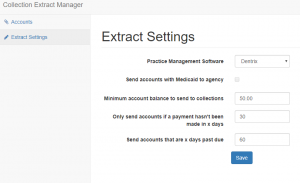
To turn “we should send these to collections” into something automatic, you can use a small, free Eaglesoft debt collection utility.
You stay in control; the utility just enforces your rules.
You can typically set:
-
Minimum balance to send
-
Example: only send accounts over $100, $250, or $500.
-
-
Age of the account
-
Based on days since last payment or last activity — for example, 60, 90, 120 or 180 days.
-
-
Which recovery step to use
-
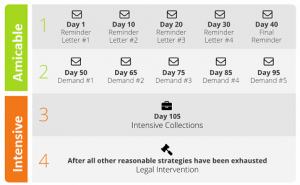
Gentle, fixed-fee letter campaigns first,
-
or direct to full contingency collections for serious delinquents.
-
-
Which patients to exclude
-
Ortho on long payment plans
-
Genuine hardship or charity-care cases
-
VIPs you want to handle personally
-
Once the criteria are saved, the utility:
-
Reads the Eaglesoft database.
-
Finds accounts matching your rules.
-
Prepares a clean export for your collection partner (no retyping from screens).
You go from “someday we’ll clean this up” to “once a month, our 90+ day list is automatically prepped for collections.”
Practical placement rules (feel free to modify)
Here are sample rules a typical Eaglesoft practice might adopt:
1. Standard rule for everyday accounts
-
Balance ≥ $200
-
No payment in 90+ days
-
At least 3 statements / reminders already sent
→ Send to fixed-fee letter service or step-2 style demand program.
2. High-balance rule
-
Balance ≥ $750 or $1,000
-
No payment in 60+ days
-
Not in ortho or active payment plan
→ Move faster: short internal follow-up, then straight to contingency collections.
3. Low-balance batch rule
-
Balance $50–$200
-
No payment in 120+ days
→ Either batch these to collections once or twice a year or write off; don’t let tiny balances chew up staff time.
If you can shrink 90+ A/R from something like $100,000 down to $25–30k over time by tightening collections, that’s tens of thousands of dollars back in the bank, not abandoned on old ledgers.
How this plays with the Eaglesoft ecosystem you already use
You don’t have to choose between Eaglesoft integrations and collections. They’re different layers.
-
Claims and e-attachment partners
-
Help you send cleaner claims, get ERAs faster, and reduce payer delays.
-
-
Payment and text-to-pay tools
-
Make it easier for patients to pay via text, mobile, online, and card-on-file.
-
Those tools are about preventing A/R from aging in the first place.
The Eaglesoft collection utility + a third-party collection agency are about what to do when, despite all that, money still isn’t coming in.
Think of it as:
Eaglesoft + payment integrations = early-stage collections.
Eaglesoft + our utility + a collection agency = late-stage collections.
You need both layers for a truly healthy A/R.
Where Nexa Fits into Your Eaglesoft Workflow
Nexa operates directly as a full-service debt collection agency designed to integrate with Eaglesoft’s accounts receivable reports. We eliminate the friction of chasing delinquent patient balances while maintaining your practice’s reputation in the community.
What we do for Eaglesoft practices:
- Direct Report Ingestion: Work directly from your Eaglesoft Account Aging Report or custom exports—no manual cherry-picking or data re-entry required.
- Automated Collection Sequences: Contact patients via compliant mail, phone, and digital channels inside HIPAA and FDCPA guidelines, tailored specifically for dental patient relationships.
- Full Account Resolution: Handle payment plans, settlement discussions, and balance disputes so your front desk isn’t stuck making awkward collection calls between patient check-ins.
- Clean Ledger Reconciliation: Recovered payments and status updates flow back to your team, allowing clean posting directly into your Eaglesoft ledger.
| Already using Eaglesoft Dental Software? Have unpaid medical bills?
|
FAQ
Does Eaglesoft handle collections on old patient balances itself?
No. Eaglesoft manages scheduling, charting, claims, statements, and online payments, but it isn’t built to chase a non-responsive patient for months or negotiate payment plans with someone already behind on other bills. That’s where a dedicated collection agency takes over.
What’s a healthy A/R days number for an Eaglesoft dental practice?
Dental advisors commonly target 30-45 A/R days, with under 10% of total A/R sitting past 90 days and net collections around 98-100% of adjusted production. Once those numbers slip, cash flow typically tightens fast.
Can Nexa work directly from an Eaglesoft aging export?
Yes. Nexa takes an Eaglesoft A/R aging export, filtered by whatever balance and age rules a practice sets, and works the file without requiring manual account-by-account handoff.
Does using Eaglesoft’s payment integrations replace the need for collections?
No. Tools like Vyne Trellis, DentalXChange, and CarePay+ help prevent A/R from aging in the first place by making it easier for patients to pay early. Once a balance is already 90-plus days past due, that’s a separate, later-stage recovery problem.
Is Nexa’s process HIPAA compliant for Eaglesoft-based practices?
Yes. Account handling, communication, and data transfer all follow HIPAA requirements alongside FDCPA and applicable state collection rules.
Can Nexa collect debt directly from an Eaglesoft Aging Report export?
Yes. Nexa processes Eaglesoft Account Aging Reports directly based on your customized placement rules. You define the account age (e.g., 90+ days without payment) and minimum balance thresholds, allowing your office to transfer delinquent accounts seamlessly without manual data re-entry.
Is the Eaglesoft debt collection utility HIPAA compliant?
Yes. All account transfers, digital records, patient notices, and debt resolution communications strictly adhere to HIPAA security standards, FDCPA guidelines, and federal consumer protection regulations.
Does using Nexa replace Eaglesoft or integrated clearinghouse tools?
No. Eaglesoft and clearinghouses like Vyne Trellis or DentalXChange continue handling active insurance billing and daily practice management. Nexa steps in exclusively for delinquent patient balances that have exceeded in-house follow-up limits.